

Having eye-catching and high-quality album cover art is a crucial aspect of marketing your music.
As an artist, you understand the importance of visuals in capturing your audience’s attention.
To help you find the perfect cover for your album, we’ve compiled a list of the best sites where you can buy and download album cover art.
Whether you’re on the search for a pre-designed cover or looking to hire a professional artist, these websites offer a variety of high-quality options to choose from.
Compatibility with all major music streaming platforms, such as Spotify, Apple Music, Amazon Music, and Google Play, is essential and you won’t be disappointed with the available choices.
Remember, not all sites are created equal.
To ensure you get the best bang for your buck, take the time to explore each platform thoroughly before making your purchase.
After all, an album cover art that resonates with your target audience can make a world of difference for your music career.
Why Album Cover Art Matters
As a music lover, you might often overlook the significance of album cover art, but it plays a critical role in the creative process.
The album cover not only represents the music inside but also acts as a visual representation of the artist’s message and brand identity.
When done right, album cover art complements the music and enhances the overall experience.
Think of your favorite albums – chances are, the album covers are just as memorable as the music itself.
This is because great album cover art has the power to capture the identity of the music and make a lasting impression.
In the digital age, where music streaming has become increasingly popular, it may seem less important to invest in quality album cover art.
However, album covers still matter, as they act as the first impression of your music to potential listeners.
An eye-catching design can grab the attention of your audience and encourage them to explore your music further.
Moreover, album covers play an essential role in marketing your music.
On streaming platforms like Spotify, high-quality and visually appealing album covers can significantly impact your visibility and appeal among potential listeners.
Furthermore, when sharing music on social media, the cover art serves as an iconic point of recognition for your fans, boosting the chances of engagement and shares.
Here are a few essential aspects of album cover art to consider:
- Brand identity: Your album cover should accurately reflect your music and the image you want to portray as an artist.
- Design consistency: Use consistent colors, fonts, and imagery to create a coherent visual style for your music.
- High-quality: The artwork should be high-resolution and visually pleasing to represent your music in the best light, even when reduced in size.
Top 7 Sites to Buy Album Cover Art in 2024
1. Alpha Art
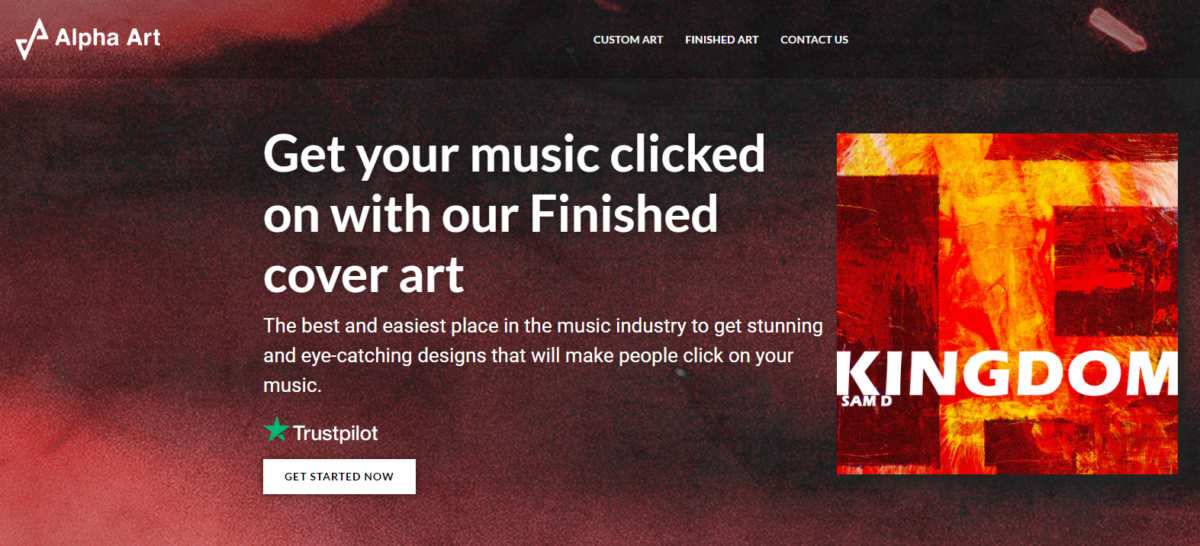
At Alpha Art, you can find a variety of album cover art to suit your musical needs.
This website offers quality designs that cater to numerous genres, ensuring you can find the perfect match for your music.
They provide various formats, making it easy for you to download and integrate the artwork into your music streaming services, players, and compilations.
The artists featured on Alpha Art boast exclusive and high-resolution designs that truly stand out in today’s market.
2. Cover Art Shop
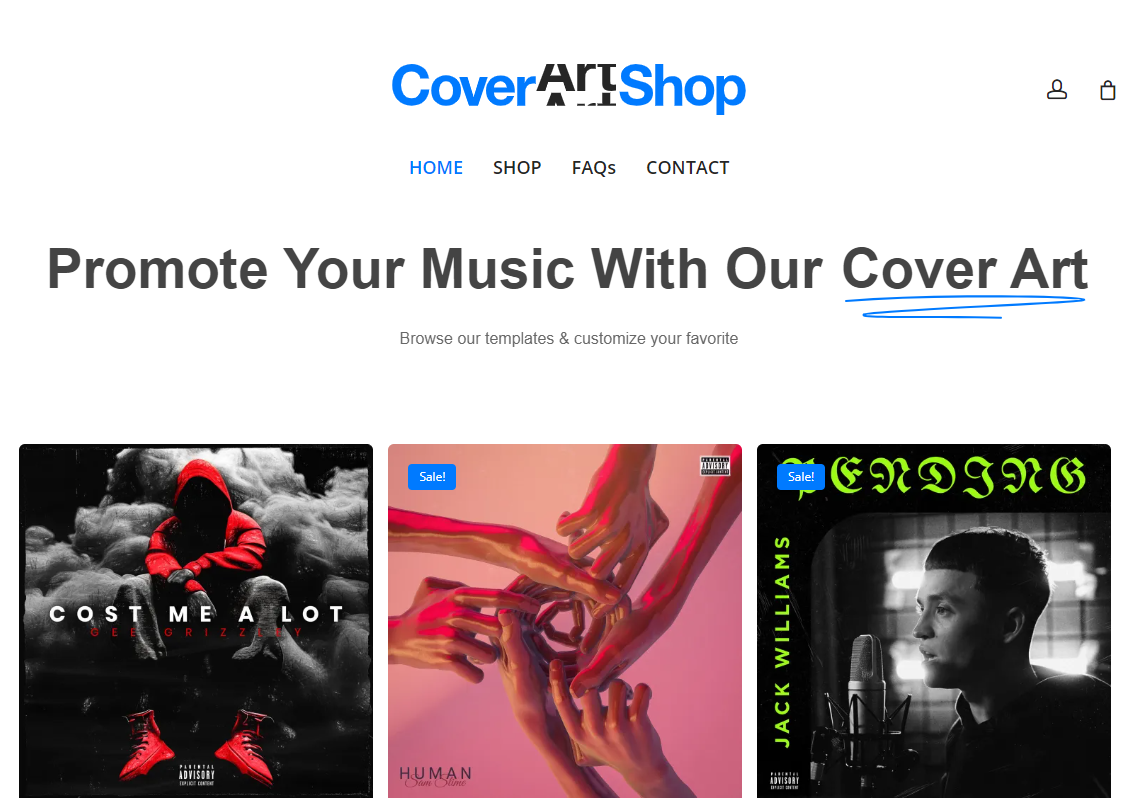
If you’re looking for affordable yet stunning album cover art, Cover Art Shop is the place for you.
This website offers an array of designs and artists whose work can elevate your music and brand.
There are options for different genres and formats, making it easy to find exactly what you need, whether it be for your album, MP3, or even vinyl.
Cover Art Shop also features endorsements from other websites, which adds credence to their value as a reputable source for quality cover art.
3. Cover Art Market
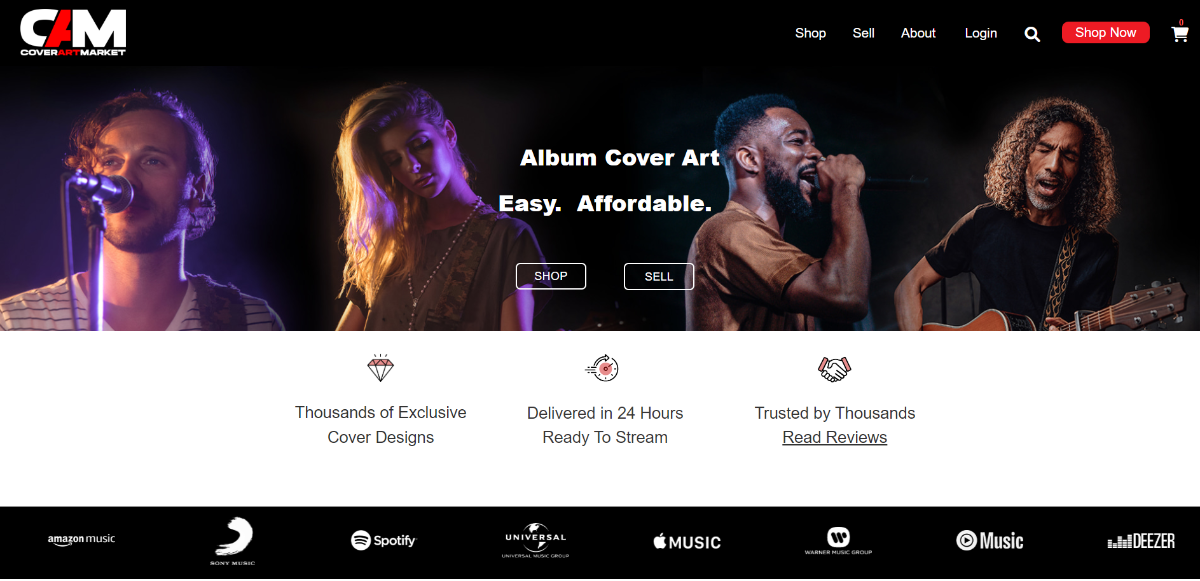
At Cover Art Market, you can explore a vast selection of album cover art for sale.
This site offers intricate and unique designs created by talented artists, allowing you to select the perfect artwork for your music.
In addition, Cover Art Market focuses on delivering high-resolution images to ensure their compatibility with various players and streaming services.
Navigate easily through their website and enjoy eye-catching designs that align with various genres and musical styles.
4. Art Grab
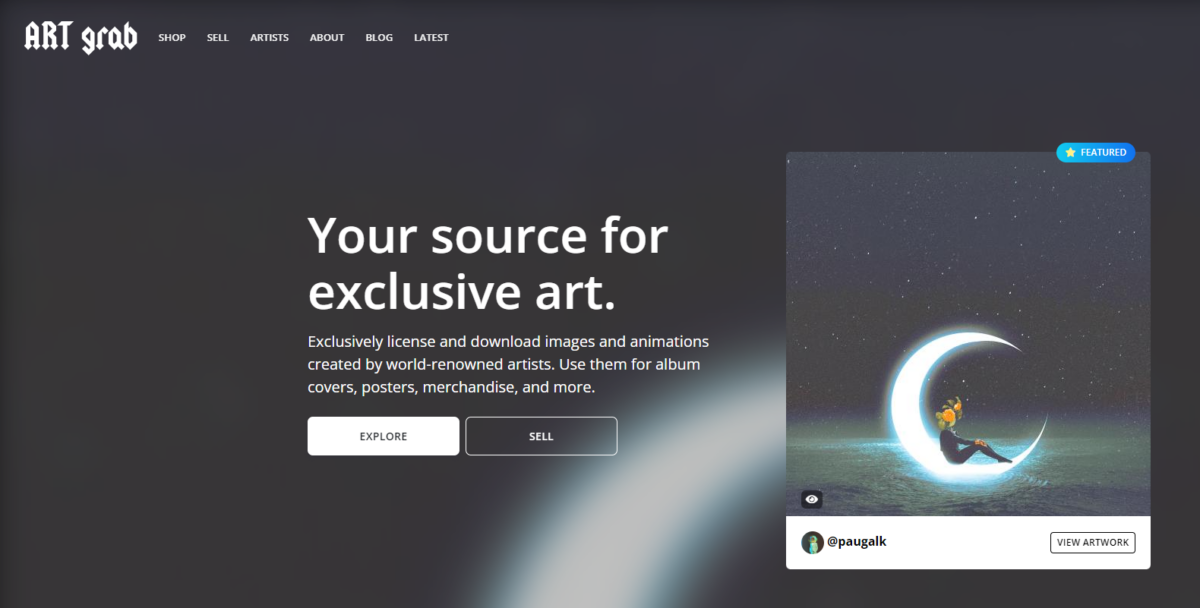
Art Grab is the destination for those in search of exclusive album cover art.
This website hosts a range of designs by talented artists from various backgrounds, offering unique styles to match your musical vision.
Enjoy easy downloads, knowing you are getting top-of-the-line quality in terms of both art and resolution.
Art Grab works tirelessly to ensure their selection appeals to a spectrum of genres, allowing you to find the perfect cover for your music.
5. Amazon
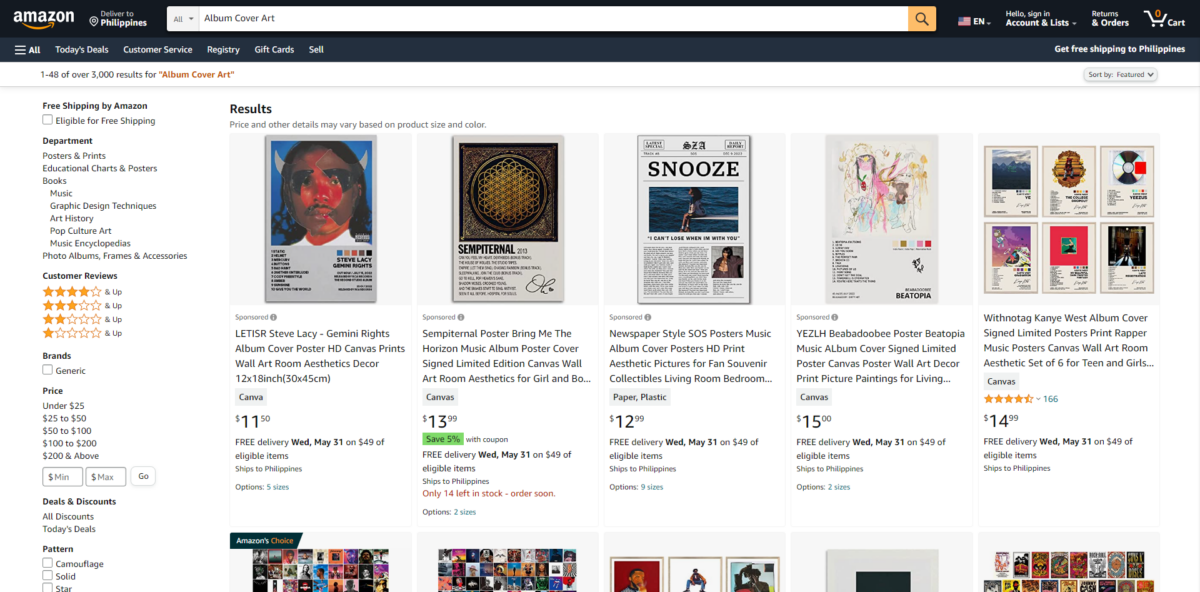
Amazon is not just for shopping for products—it also offers music streaming services and a selection of album cover art.
In this vast marketplace, you can discover a wide range of art designed for various genres, formats, and styles.
Also, many artists offer their artwork on Amazon, granting access to unique, exclusive designs you may not find elsewhere.
Combining affordability and convenience, Amazon makes it simple to find album cover art suitable for your music.
6. CoverArtworks
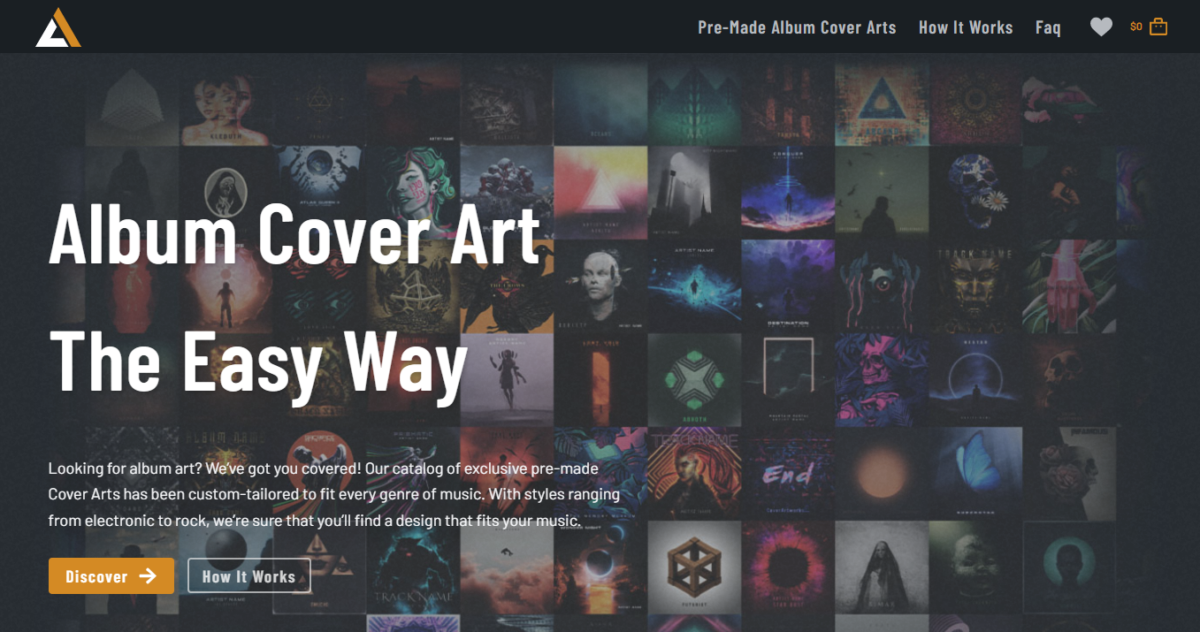
When it comes to quality, creative, and eye-catching cover art, CoverArtworks is a go-to website.
Offering album cover designs across various genres, styles, and formats, you can browse their selection with ease and find artwork that truly personifies your music.
Many artists on CoverArtworks have been praised for their cutting-edge designs and attention to detail, ensuring your album stands out.
Affordable prices and endorsements from other websites make CoverArtworks a top choice for album cover art.
7. Etsy
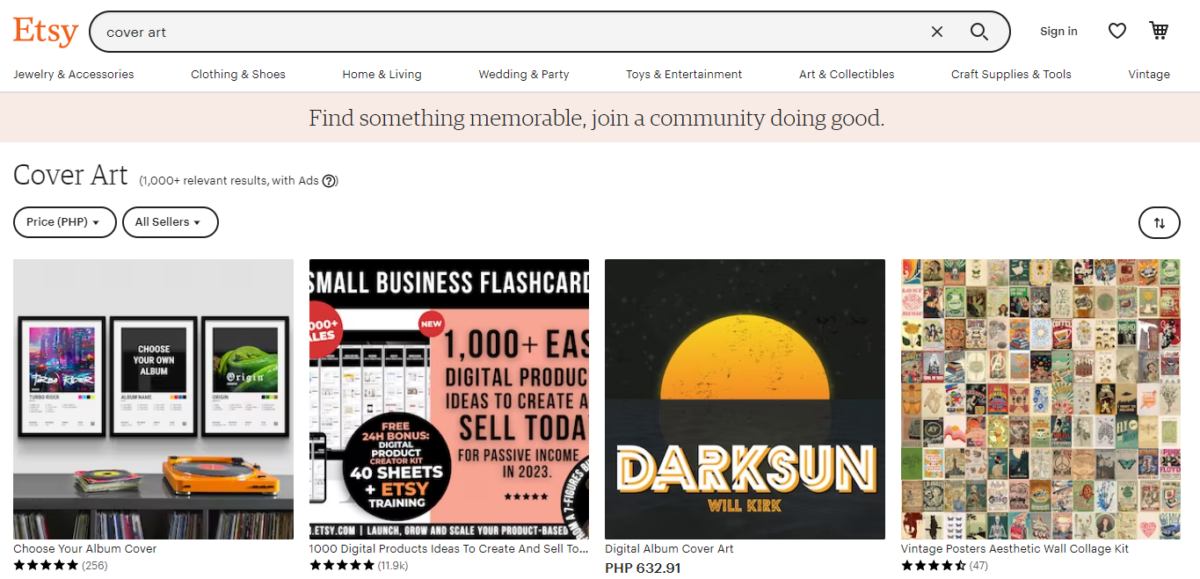
For unique and customizable album cover art, look no further than Etsy.
This marketplace is home to various independent artists who create stunning, one-of-a-kind designs for your music.
Etsy allows you to find the perfect cover art that aligns with your genre and aesthetic, and even request personalized designs that reflect your vision.
The easy-to-navigate website, combined with the talent of artists on the platform, makes Etsy a top choice for album cover art.
Choosing the Right Album Cover Art for Your Music
When selecting the perfect album cover art for your music, it’s important to consider several factors that will help you create a captivating visual representation of your sound.
Here are a few aspects to keep in mind as you navigate this creative process:
Understand your music’s genre and style: The design of your album cover should align with the genre and style of your music. For example, a vibrant design might be fitting for a pop album, while a more subdued aesthetic could compliment a folk or acoustic album. By understanding the key elements of your music, you can choose a cover art direction that will resonate with your target audience.
Reflect your artistic vision: Your album cover is an extension of your artistic identity, so it’s essential that it reflects your unique vision. Consider the themes, emotions, or messages you want your listeners to experience when listening to your music and incorporate these aspects into your cover art.
Consider text placement and typography: The text on your album cover, such as the album title and artist’s name, should be clear, legible, and complementary to the overall design. Experiment with different fonts and text placements to determine what works best for your cover art.
Work within your budget: There are many platforms offering album cover art services, including custom designs and pre-made templates. Determine your budget and explore options that align with your financial constraints, while still showcasing your music in a professional and eye-catching manner.
Think about scalability: Your album cover will be viewed at various sizes, from small thumbnails online to larger printed formats. Ensure that your cover art is visually appealing and cohesive at both small and large scales to accommodate multiple viewing formats.
Using Album Cover Art in Your Music Streaming Services
When you’re ready to showcase your music on streaming platforms, having eye-catching and high-quality album cover art is essential.
Album covers are often the first visual impression listeners have of your music, so you’ll want to make sure it’s engaging and represents your work well.
Here’s how to use album cover art effectively on music streaming services like Apple Music and Spotify:
Buy or download professional album cover art. There are various sites available where you can buy or download pre-designed album cover art. Choose one that best represents your music and fits the required specifications for streaming services. Remember that the cover art must be a high-resolution image, preferably 3000×3000 pixels, in a square format. Some popular platforms to find album cover art include Adobe Stock, Shutterstock, and Canva.
Ensure your album cover art meets streaming service requirements. Each streaming platform has specific guidelines for album cover art, so make sure you review them before submitting your music. Check if the image is in the correct format (such as .jpg or .png), make sure the resolution is high enough to look crisp on various devices, and avoid adding any explicit content or text that may violate platform guidelines.
Optimize your album cover for thumbnails. In streaming services, album covers often appear as small thumbnails alongside your music, so it’s crucial to ensure your design is readable and recognizable even when resized. Make sure any text or essential design elements are visible and not too cluttered.
Keep your branding consistent. Your music and cover art should work together to create a cohesive brand. Make sure your cover art reflects your music style and genre, while also being consistent with your artist name, logo, and general aesthetic.
Update your artwork as needed. Don’t be afraid to experiment with different designs or update your album cover art over time. As you grow as an artist and your music evolves, refreshing your cover art can keep things interesting and engaging for your audience.
By following these tips and ensuring your album cover art is professional and visually appealing, you’ll draw listeners in and set the stage for a positive listening experience on your chosen streaming services.